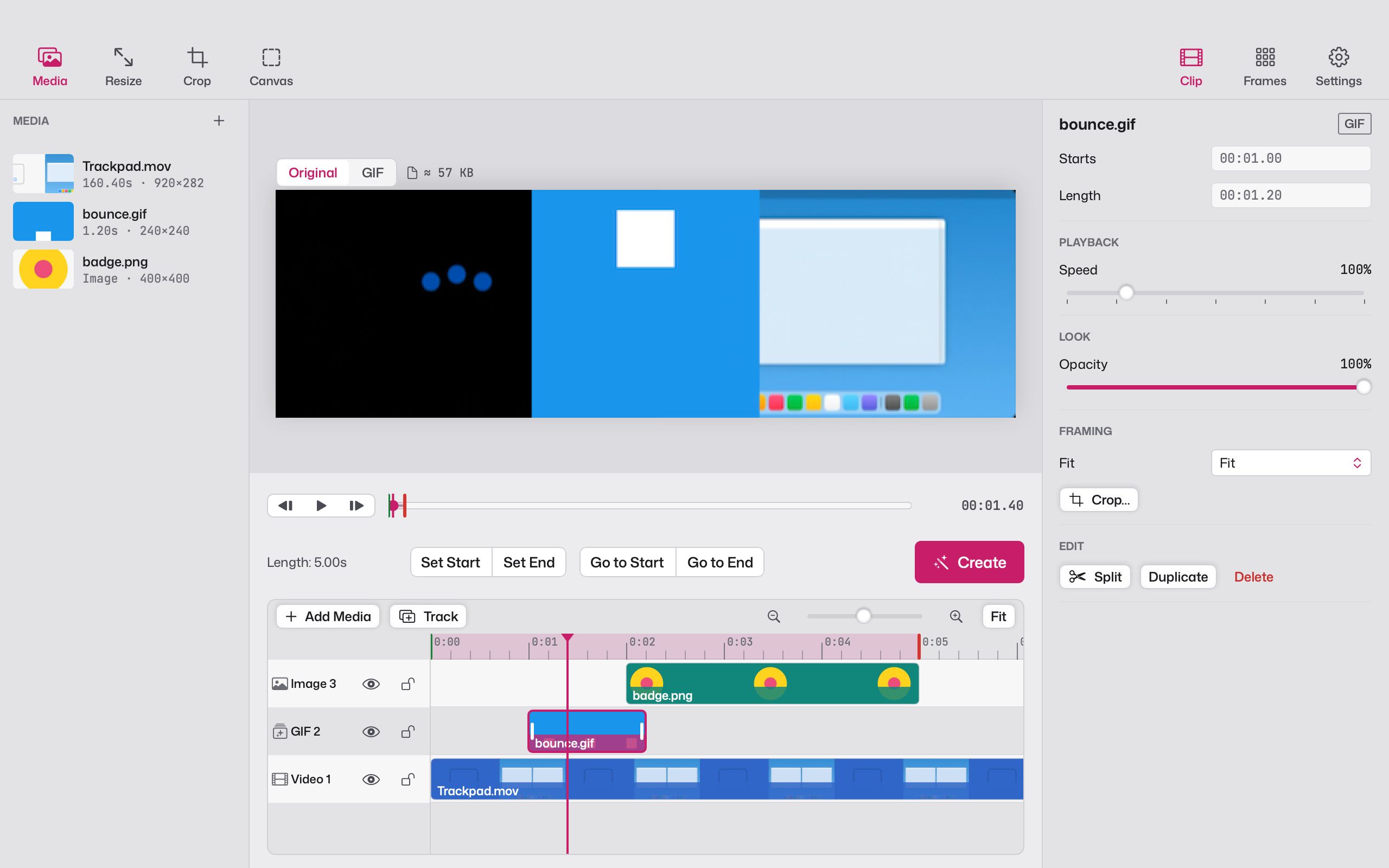
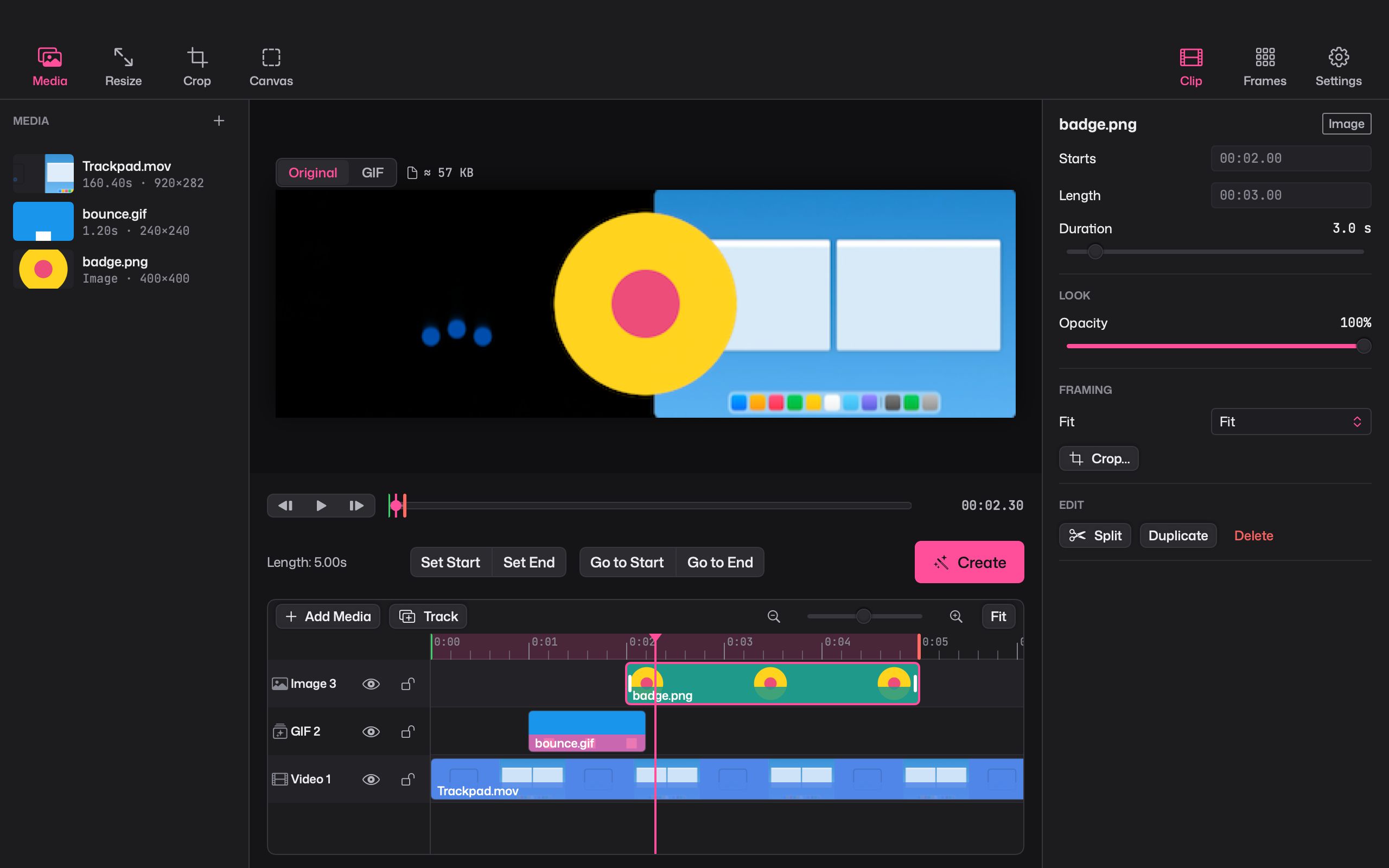
Some GIFs are a single clip. Others are a picture-in-picture demo, a reaction with a caption that bounces in, or three shots cut together. For those, Giffiti has a timeline.
Tracks and clips
Add videos, pictures and GIFs from the media bin, each on its own track. Then:
- Split with ⌘B, ripple delete to close the gap, or duplicate
- change a clip’s speed
- lock a track so it can’t be moved, or hide it while you work
- play with J K L, like in a video editor
Keyframes and curves
Animate a clip’s position, scale, rotation and opacity, or how much of a caption is revealed. Choose how each move feels: linear, hold, ease, or a bezier curve you shape yourself in the curve editor.
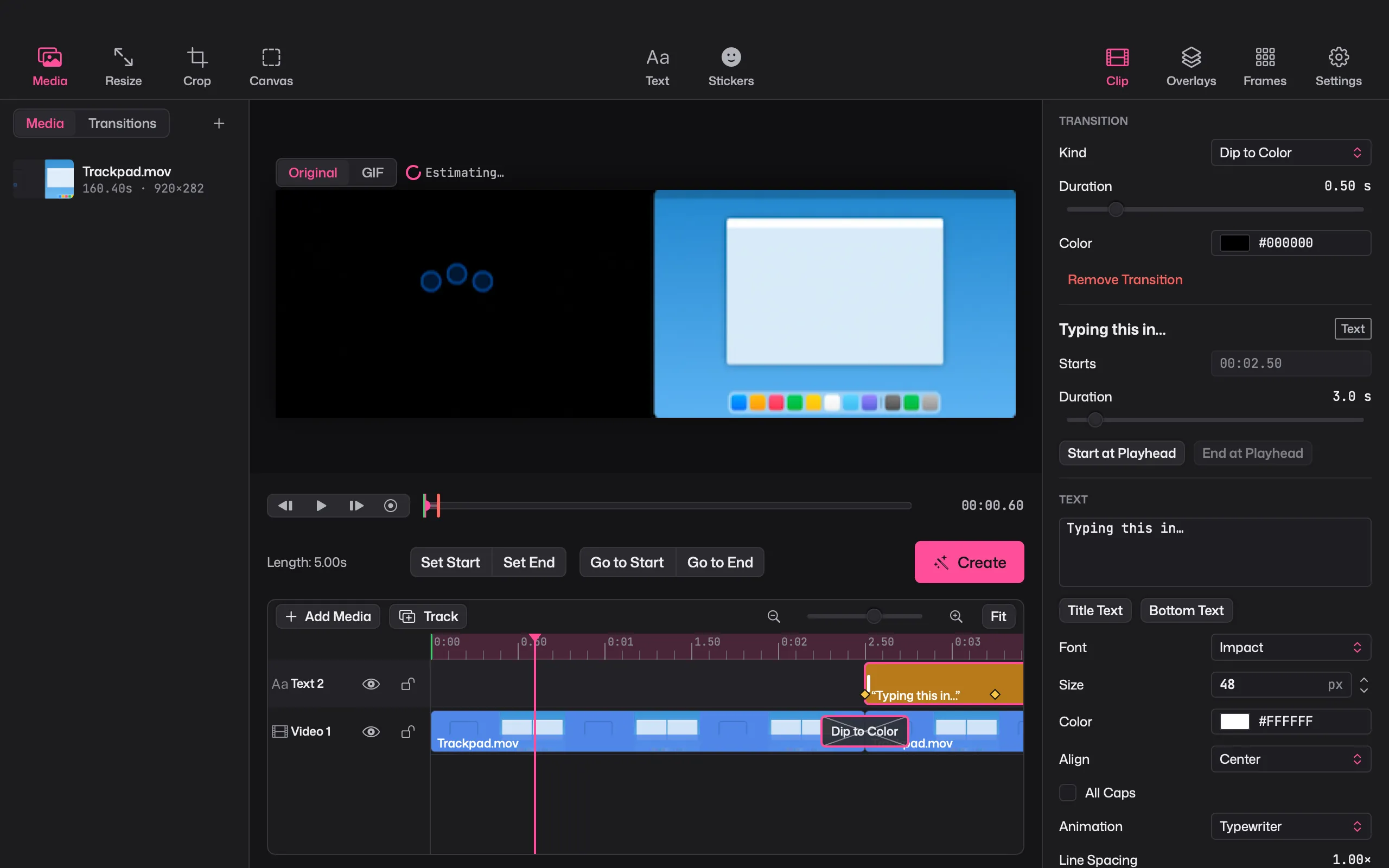
11 transitions
Crossfade, dip to colour, four wipes, two slides, two pushes and a zoom. Drop one between two clips and set its length.
Overlays on the canvas
Move, scale and rotate overlays directly on the preview, with snap guides to line them up. Blend them using 16 blend modes and fade them in and out. Add text, effects or a cinemagraph on top.
Projects that keep up
Projects save as .giffiti files as you work, with full undo and redo. Your original media is never changed, and if you move it, Giffiti can relink it.