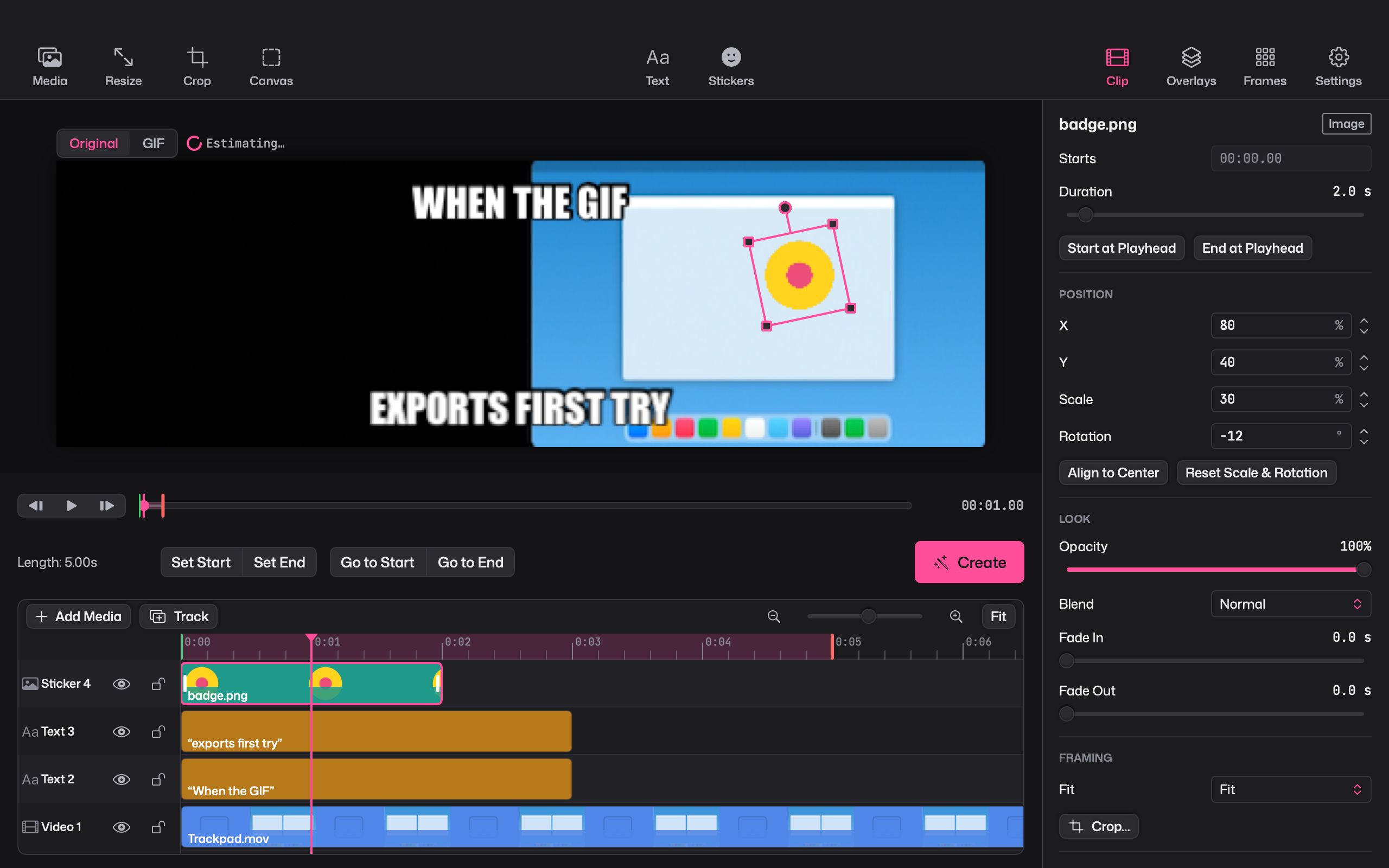
A caption turns a clip into a joke, a reaction or a how-to. Giffiti treats text as a first-class layer, so you can place it, style it and animate it like anything else.
Meme captions in one click
Choose Title Text or Bottom Text and the caption lands in the classic spot with a bold outline. Type your line and you’re done.
Style it your way
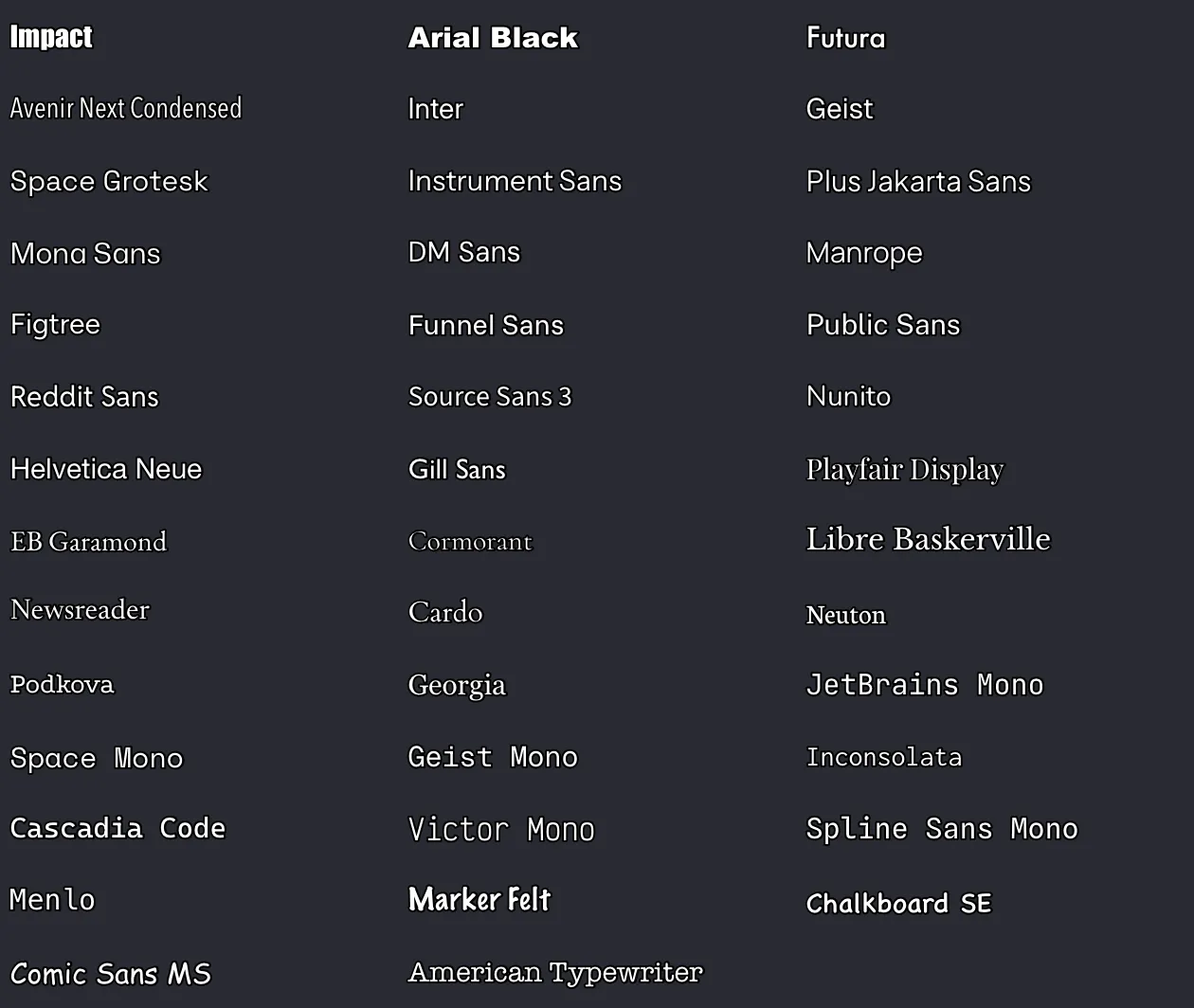
- 41 fonts in every weight, with letter spacing and line spacing controls
- Stroke in any colour and width
- Shadow, a box behind the text, and overall opacity
- All caps, alignment and size
Make it move
Pick an animation from the list:
- Typewriter types the line out
- Word by word reveals one word at a time
- Pop, slide in and bounce bring the whole line in
- Per-letter drop, rise, pop and fade animate each letter on its own
For finer control, set keyframes for position, scale, rotation, opacity and how much of the text is revealed.
Pictures and stickers too
Add image overlays and move, scale and rotate them right on the canvas, with snap guides to line things up. Blend them with 16 blend modes and fade them in and out. Your sticker library starts empty and fills up with your own images: import them, drag them in, or paste with ⌥⌘V.