

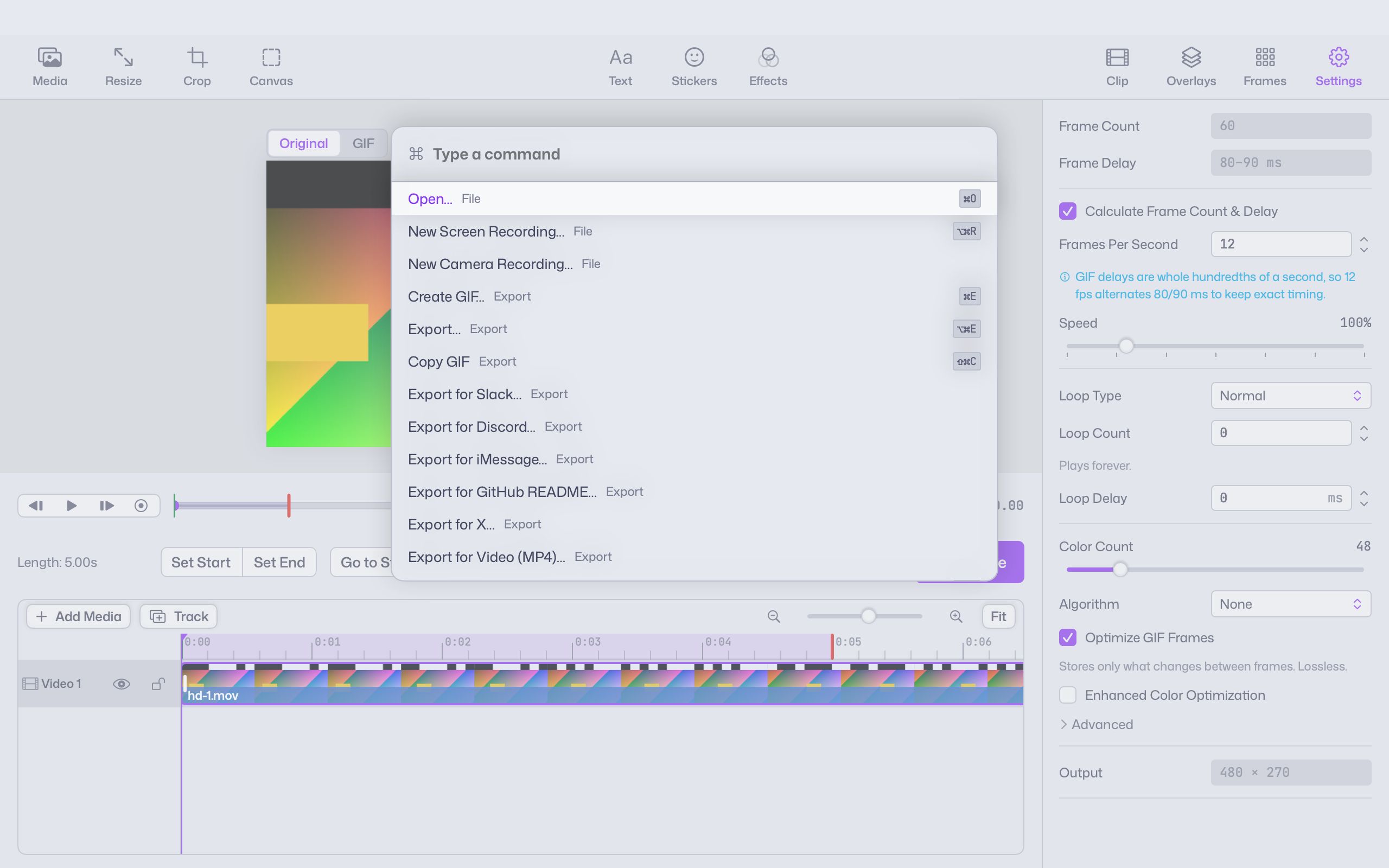
GIF works almost everywhere, but it isn’t always the best choice. Video is smaller, APNG has smoother edges, and some places want a particular size. Giffiti exports them all from the same project.
Formats
| Format | Good for |
|---|---|
| GIF | Chats, docs, READMEs and anywhere animations need to just play |
| MP4 | Small files for sites and apps that prefer video |
| HEVC | Even smaller video files |
| HEVC with alpha | Video with a transparent background, for editing apps and slides |
| APNG | Animated pictures with smooth, soft-edged transparency |
| PNG sequence | One picture per frame, for other tools |
| WebP | Compact animations for the web, on macOS versions that can write it |
Presets
Start from Slack, Discord, iMessage, GitHub README, X or Video. Each sets a size and format suited to that place. Adjust anything before you export, and check the size shown before sharing.
Fit, batch, copy, drag
- Fit under a file size keeps an export under the number you enter. More on making GIFs smaller.
- Batch export saves several presets at once.
- Copy GIF with ⇧⌘C and paste it into a message.
- Drag out the finished preview straight into another app.
Starting from a GIF
Open an existing GIF the same way you open a video. Trim it, change its speed, add a caption, or put it on a timeline with other clips, then export in any of the formats above.