Green screen isn’t just for video studios. A green sheet or wall behind your subject is enough for Giffiti to swap the background.
Key out a colour
Add the chroma key effect to a clip and click the backdrop with the eyedropper to pick its colour. That colour turns see-through, so whatever is on the track below shows through: another video, a photo, or nothing at all.
Build the scene on a timeline
Put the keyed clip on top of a background on the timeline. Move, scale and rotate it on the canvas, add keyframes, and finish with a caption.
Transparent exports
Turn on a transparent canvas and export:
- GIF, with a matte colour to keep edges clean
- APNG or a PNG sequence, for smooth, soft edges
- HEVC with alpha, a video with a transparent background for editing apps and slides
29 effects for everything else
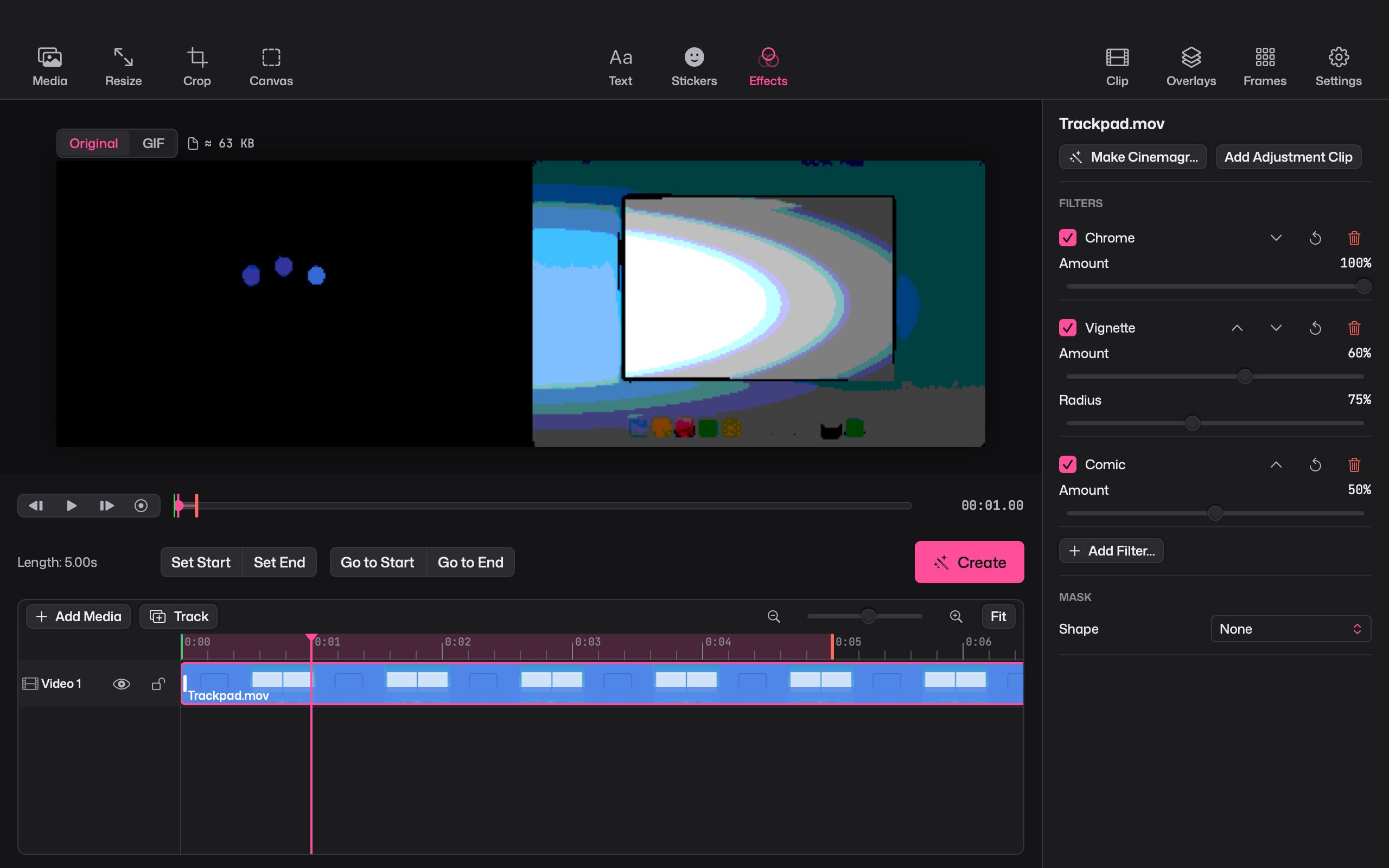
Chroma key is one of 29 effects. Others include halftone, pixelate, comic and false colour. Stack them in any order, use masks to limit them to part of the frame, or add an adjustment clip to cover several layers at once.